

Guides for "links"
261 tasks found
 1:38
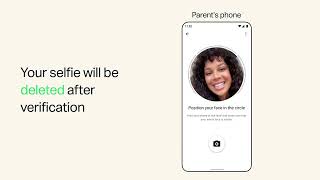
How to set up parental controls on WhatsApp for a teen
 2:14
How to schedule Instagram Reels from a computer with Meta Business Suite
 1:19
How to clean a dog's ears with an apple cider vinegar rinse
 17:46
How to buy shares on Ziidi Trader with M-Pesa
 1:22
How to set up automatic transfers from Chase checking to savings
 17:14
How to use the iPhone Notes app to scan, record and lock notes
 19:16
How to take better lecture notes using non-linear note taking
 3:13
How to register for Google Cloud Learn with Communities 2026
 13:20
How to build a repeatable AI image and video workflow in Higgsfield Canvas
 20:32
How to write an ATS-friendly resume that gets interview calls
 13:02
How to job hunt in 2026 when online applications go nowhere
 1:02
How to use an iPhone as a webcam in Streamlabs
 2:47
How to make a caramel apple crumble cheesecake
 2:39
How to fix a stuck windscreen wiper motor
 10:26
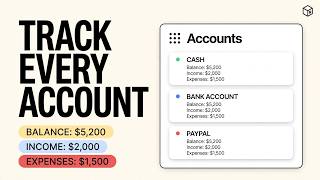
How to track bank and payment Accounts in a Notion finance tracker
 8:04
How to adjust bike gears and stop them clicking
 2:43
How to Make a Chunky Paper Chain Garland for Christmas
 1:54
Take a Screenshot on Android
 1:15
Take a Screenshot on iPhone
 5:11
How to Wrap a Square or Rectangular Gift With Wrapping Paper
 0:48