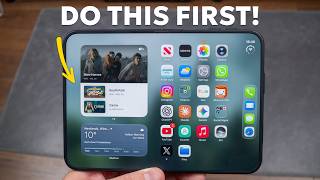
Transfer eSIM to iPhone Duo (From Your Old iPhone), by Guideify on YouTube. 1 min 32 s.
- Video length
- 1 min 32 s
- Time to do it
- Varies
- Steps
- 5
Steps
Check the basics: iOS 18.4 or later on both, same Apple Account, old iPhone unlocked, Bluetooth on, phones close by.
On iPhone Duo: if it asks during setup, follow the prompts. Otherwise open Settings → Cellular → Add eSIM (or Set Up Cellular).
Tap Transfer From Nearby iPhone.
On your old iPhone: the Transfer Phone Number card appears. Tap Continue, then Transfer. If a code shows on your Duo, type it on the old iPhone.
Wait while the Duo activates the eSIM, then make a test call. If a banner asks you to finish setting up your carrier's plan, tap it.
Written steps selected from the creator's description. Automatic source checks do not verify the instructions against the video. Check the video and relevant product instructions before following a procedure. Report a correction.