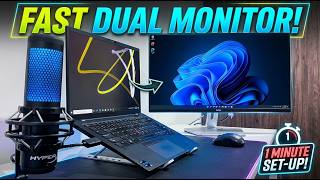
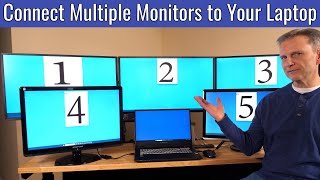
Add a second screen to your Lenovo Legion laptop for more room to work or game. This suits anyone with a spare monitor and a free port on the laptop. You only need the monitor, its power cable and the right video cable.
YouTube video: Dual Monitor Set Up???
Caption availability is unknown. Check the CC control in the YouTube player.
- Video length
- 1 min 38 s
- Time to do it
- 10 minutes
- Difficulty
- Easy
- Steps
- 9
What you need
Steps
Place the monitor next to your laptop on a stable desk. Plug the monitor into a wall socket and switch it on.
Check which video ports your Legion laptop has, usually HDMI and USB-C. Match the cable to those ports and the monitor's input.
Connect one end of the cable to the laptop and the other to the matching port on the monitor.
Press the input button on the monitor and pick the port you used, such as HDMI 1 or DisplayPort.
Wait a few seconds. Windows should detect the screen and extend your desktop automatically.
If nothing appears, open Settings, go to System, then Display, and click Detect.
Under Display, choose Extend these displays so the second screen shows a separate desktop.
Drag the screen icons in Display settings to match where the monitor sits on your desk, then click Apply.
Set the monitor's resolution and refresh rate in the same Display menu for a sharp, smooth picture.
Tips and common mistakes
Press Windows key plus P to quickly switch between Extend, Duplicate and Second screen only.
Use a cable rated for your monitor's resolution and refresh rate, or the image may look soft or flicker.
If the screen stays black, try another cable or port before changing any settings.
Questions
Do I need extra software to use two monitors?
No. Windows detects and manages the second screen on its own through Display settings.
Why does my second monitor show the same picture as the laptop?
It is set to Duplicate mode. Press Windows key plus P and choose Extend instead.
Can I use the laptop screen and monitor at the same time?
Yes. Extend mode keeps the laptop screen active and adds the monitor as a second desktop.
The notes are drafted automatically from video details and general task knowledge. How the guide was prepared
Report a correction